Integrations
Connect QuickBooks, DocuSign, Microsoft Project, Zoom, and your own Claude key.
QuickBooks Online
Two-way sync so vendor bills become job-costed actuals and your books stay the source of truth.
- ConnectAdmin → Integrations → QuickBooks Online → Connect, and authorize FieldsDesk in the QuickBooks consent screen.
- Map accounts to cost codesSet how QuickBooks accounts map to your FieldsDesk cost codes and how Customer:Job maps to projects. This drives auto-routing.
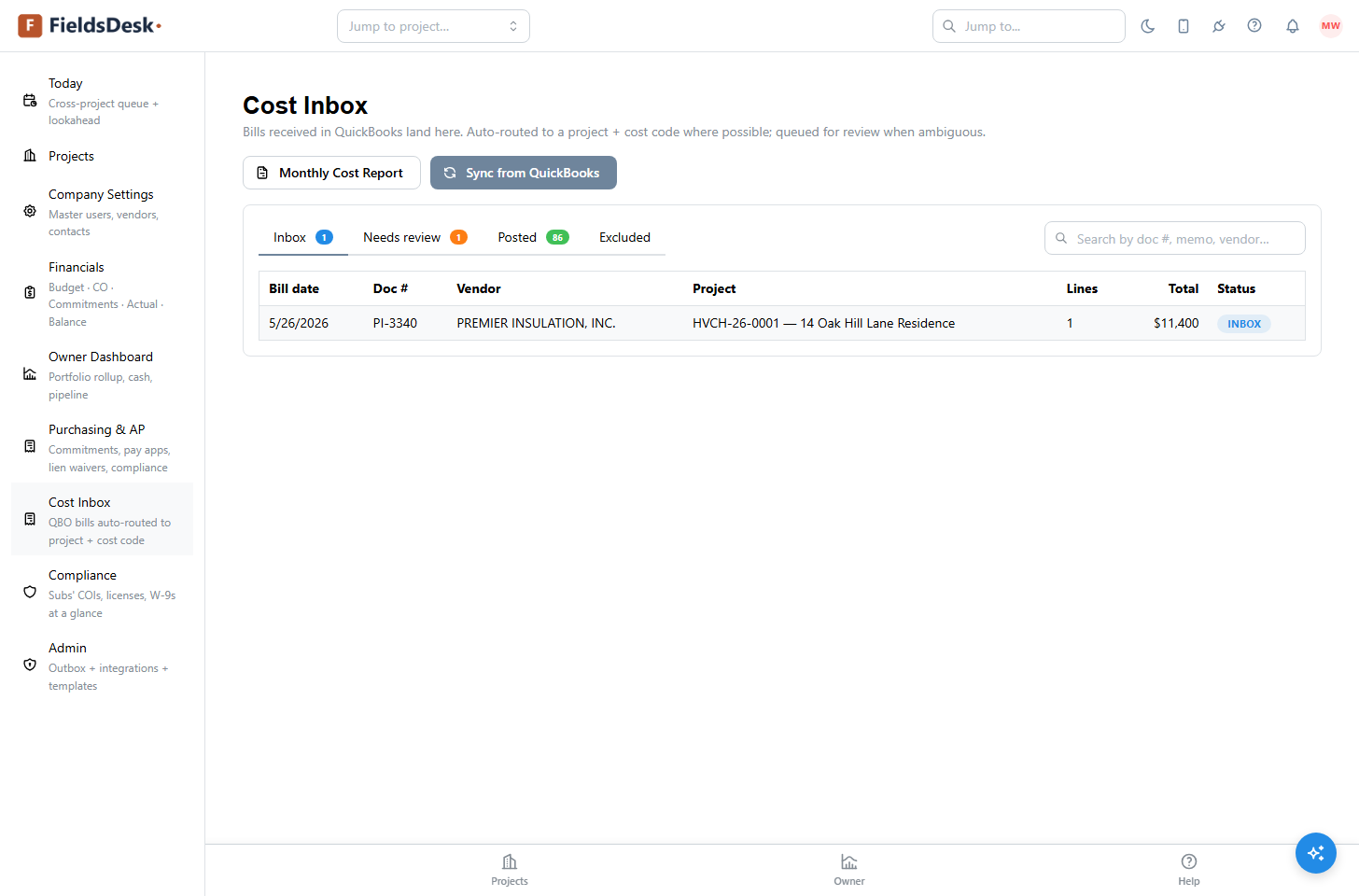
- Bills flow into the Cost InboxEach vendor bill syncs in, gets routed, and posts to the Actual Cost column. See Cost Inbox & QuickBooks.
DocuSign
Send agreements and pay-app cover sheets for signature without leaving FieldsDesk.
Connect DocuSign under Admin → Integrations to route generated documents — subcontract agreements, change-order covers, pay-app certifications — for electronic signature. Status flows back into FieldsDesk, so a fully executed agreement is reflected on the commitment automatically.
Prefer paper or your own e-sign tool? Every document can still be printed or saved as a PDF from the browser print dialog — DocuSign is optional.
Microsoft Project
Keep the FieldsDesk schedule and a Microsoft Project plan in sync, both directions.
For teams that maintain a master plan in Microsoft Project, FieldsDesk offers bidirectional sync. Tasks, dates, and dependencies stay aligned, so the field works from the live FieldsDesk Gantt while your scheduler keeps their Microsoft Project workflow.
Zoom
Attach meeting recordings to your minutes automatically.
Connect Zoom under Admin → Integrations and FieldsDesk attaches the recording link to a meeting’s published minutes automatically. Anyone on the distribution list can jump from the minutes straight to the recording — useful for OAC meetings and owner walks.
AI Help (bring your own key)
An in-app assistant that answers questions and helps you work, powered by your own Claude key.
Click the ? button on any page to open AI Help — an assistant that answers product questions and can help you work using FieldsDesk’s documentation as context. It uses Anthropic’s Claude models.
Bring your own key
In production you paste your own Anthropic API key under Admin → AI Assistant, so inference is billed to you, not bundled and marked up. Your key is stored encrypted and used only for your tenant’s requests.